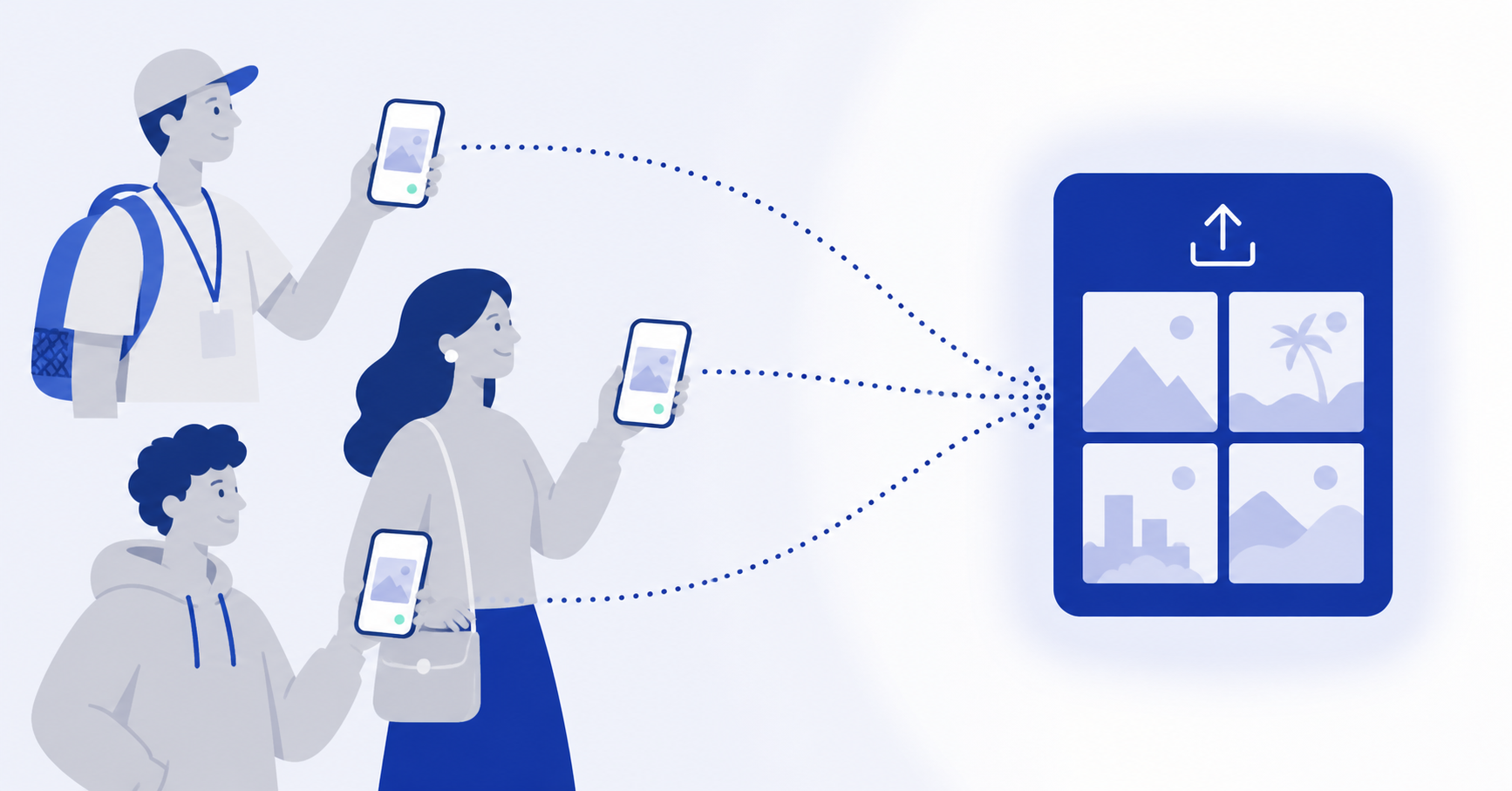
User-generated content has quietly become one of the most valuable assets a brand can have. The reason is simple: people trust photos and videos from other customers more than they trust anything a brand produces about itself. Collecting user-generated content from your audience — and doing it well — is a multiplier on every other marketing investment you’re already making.
But there’s a gap between knowing UGC matters and actually getting your hands on it. Most teams either get crickets, or they get a flood of unusable submissions buried in DMs, replies, and email threads. The problem isn’t the audience’s willingness to share. It’s the workflow.
This guide is the practical playbook: what counts as UGC, why collection is harder than it looks, the six channels that actually work, how to choose the right one for your situation, the rights and consent piece, and how to measure whether the program is paying off. It’s long because doing this well requires more than “ask people to tag you and hope.”
What user-generated content actually is
UGC is any content — photos, videos, reviews, captions, testimonials — created by someone outside your company and shared with or used by your brand. The classic examples are customers posting product photos with a hashtag, but the category is broader than that.
Photos and videos shot by customers, attendees, or community members are the most visually valuable. Written reviews and testimonials serve a different role — proof rather than visual content. Social posts that mention or tag the brand sit somewhere in between. Behind-the-scenes content from staff or partners is technically employee-generated but often functions like UGC for marketing purposes.
For most brands, the bottleneck isn’t deciding what counts. It’s deciding which channels to invest in for collection, and then setting up systems so the content actually arrives in a usable form.
Why collecting UGC is harder than it looks
Three things go wrong consistently. Recognizing them up front saves a lot of time.
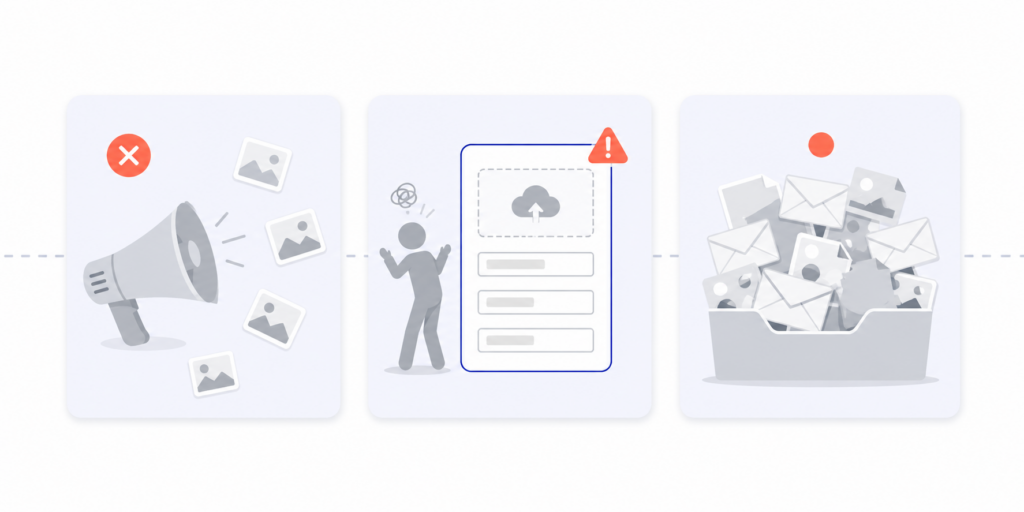
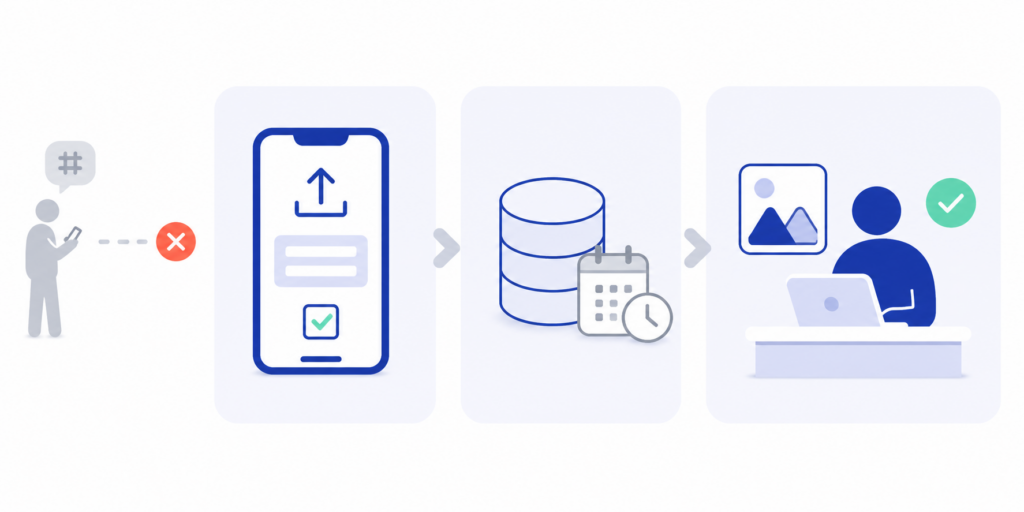
The “ask” is wrong. “Tag us in your photos!” is a very common ask, and it’s almost always the wrong one. It depends on the customer remembering the hashtag, knowing it’s still active, taking a public-facing post, and assuming you’ll find it. Public social posts are also rights-limited — you have permission to view, not necessarily to repurpose. So even when the tactic works, the legal foundation is shaky. A direct submission ask (“upload your photo here”) is almost always more effective and cleaner from a permissions standpoint.
The collection surface is friction-heavy. Even when the ask is right, the collection page often kills the conversion. If the customer has to create an account, install an app, request access to a Drive folder, or navigate three screens before uploading, most of them just don’t. UGC has a steep drop-off curve — the longer the path from “I’ll do it” to “submitted,” the smaller your pool of contributors becomes.
The post-collection workflow doesn’t exist. Submissions land in someone’s inbox or DMs, get downloaded one at a time, lose context (which campaign? which approval status?), and either become impossible to find or get accidentally lost. By the time you’d use them, you don’t trust your own archive. This is the failure mode that turns “we should do more UGC” into “we keep meaning to do more UGC.”
The teams that get UGC right invest equally in all three: a sharper ask, a low-friction collection surface, and a structured post-collection workflow. Skipping any of them turns the others into theater.

Six channels for collecting user-generated content
Below are the six approaches teams actually use, ranked roughly by reach and structure trade-offs. Most programs end up using two or three in combination — there’s no single “best” channel, only the right combination for your audience and goals.
1. Hashtag campaigns
How it works: pick a campaign hashtag, ask your audience to use it when posting, monitor it on social channels.
Strengths: the lowest possible barrier for the contributor (they post anyway), built-in social reach, immediate visibility for other potential contributors who see participants posting.
Weaknesses: you don’t own the asset, your rights are limited to viewing unless you secure additional permission, you have to manually find every submission, and the signal gets noisy fast (especially with generic hashtag names that other brands or random posters use). Quality control is also entirely after-the-fact.
When to use it: brand awareness, hype-building around launches, ongoing community programs where the goal is more about visibility than asset acquisition. Pair with a direct submission channel (channel 2) for anything you actually want to repurpose.
2. Direct submission via a branded upload page
How it works: you create a dedicated page where contributors upload photos and videos directly to you. The page is branded with your name, includes a custom message and any submission requirements, and routes uploads into your project workflow automatically.
Strengths: highest-quality submissions, full ownership and clear rights once the contributor agrees to terms on the page, automatic organization, no platform-dependency. Works for anyone with a phone and a browser. No app, no signup wall.
Weaknesses: you have to drive contributors to the page (it’s pull, not push). Without a clear ask and a frictionless landing experience, conversion suffers.
When to use it: any time you need usable assets — case studies, campaign visuals, ad creative, website imagery. This is the workhorse channel for serious UGC programs. See our guide to setting up a branded photo upload page for the step-by-step.
3. Contests and giveaways
How it works: offer a reward (prize, feature, store credit) in exchange for a submission. Often paired with channel 1 (hashtag) for distribution and channel 2 (direct upload) for collection.
Strengths: significantly boosts submission volume, particularly from audience members who wouldn’t have submitted otherwise. The reward also creates a natural moment for clear terms — entrants agree to usage rights when they enter.
Weaknesses: quality is uneven (some submissions are lottery-ticket attempts), you have to administer the contest fairly, and there are platform-specific rules (Meta and Instagram have specific contest guidelines you have to follow). Submissions also tend to come in a burst at the deadline rather than steadily.
When to use it: launches, anniversaries, seasonal campaigns. Less useful as an always-on channel — contests work best as concentrated efforts.
4. Event collection
How it works: at an in-person event (conference, gala, store opening, sports event, school function), collect photos from attendees in real time using a QR code on signage, programs, or cocktail napkins. Attendees scan, upload, done.
Strengths: emotionally peak moments produce the best content. Attendees are present, engaged, and have just taken photos they’re happy to share. Collection happens before the moment fades. Volume is also concentrated — you can collect hundreds of submissions in a single evening.
Weaknesses: requires planning and physical placement of QR codes. The window is short, so technical issues during the event are costly.
When to use it: any in-person moment where attendees are taking photos anyway. See our guide to collecting photos at events with QR codes for the specifics. Schools, sports orgs, weddings, conferences, and retail launches all benefit disproportionately from this channel.
5. Brand ambassador / creator programs
How it works: identify a small group of customers, fans, or creators who already love the brand. Give them a defined relationship (free product, payment, exclusive access) in exchange for regular content submissions.
Strengths: highest quality and most consistent volume. Ambassadors learn your brand standards over time and produce content that’s nearly drop-in usable. Rights are clean because they’re contractual.
Weaknesses: takes time to set up and manage. Requires individual relationships, contracts, and ongoing communication. Not useful for one-off needs.
When to use it: long-term content engines for brands with a passionate base. Pair with a private upload page (channel 2) so ambassadors have a structured place to submit, rather than DM-ing files at random.
6. Email or DM requests (the manual approach)
How it works: ask individual customers, attendees, or contacts to send photos directly via email or DM.
Strengths: highly personal, often produces good content from people who would not have submitted to a generic call.
Weaknesses: every submission is a manual workflow — open the email, download the attachments, save them somewhere, track who sent and who didn’t. At scale, this is the single biggest time-sink in marketing operations. See our piece on collecting photos from clients without email chains for why this breaks down.
When to use it: very low-volume situations where personalization matters more than efficiency. Move to channel 2 the moment you’re asking more than a handful of people in a campaign.
How to choose the right channel for your situation
Three filters narrow this down quickly.
What’s your goal? Awareness and community visibility lean toward hashtag campaigns. Asset acquisition for marketing use leans toward direct submission and ambassadors. Bursty campaign moments lean toward contests. In-person moments lean toward event collection.
How much volume do you need, and how often? A single quarterly campaign might be served by a contest. An always-on stream of customer photos for ad creative needs a direct submission page plus an ambassador program. Higher-frequency, higher-quality needs justify more infrastructure.
Who’s your audience, and where are they? A young, social-native audience will participate via hashtag campaigns. A B2B customer base will not — they’ll send photos via direct upload if asked clearly, but won’t post them publicly. Older demographics tend to over-index on email and DM channels and need a frictionless submission alternative built specifically for them.
For most teams, the right answer is a primary channel (typically direct submission via branded upload page) with one or two secondary channels (hashtag for reach, events for in-person moments) layered on. Don’t try to run all six at once — you’ll do all of them poorly.
Rights, consent, and the unsexy legal piece
This is the part teams skip and then regret. Three principles cover most situations.
Get explicit permission at the moment of submission, not after. Every submission flow should include clear terms the contributor agrees to. The terms should specify what you can do with the content (use on your website, in social posts, in ads, in print materials, etc.) and for how long. Doing this at submission time is dramatically easier than chasing rights later.
Keep records. When the contributor agrees, store the timestamp, the email or identifier they used, and the version of the terms they agreed to. Most dedicated photo collection tools handle this automatically — yet another reason direct submission outperforms hashtag scraping.
Handle minors carefully. If contributors might be minors (school events, sports orgs, family-oriented brands), a parent or guardian needs to grant permission. Many platforms now require explicit affirmation of age. Build this into your submission flow.
Reposting from public social posts is legally murky. Even if a customer tags you in a public post, that doesn’t grant you the right to use the content in paid advertising or commercial materials. Common practice is to comment asking for permission and screenshot the response, but this is slow and unreliable. A direct submission program with clear terms sidesteps the issue entirely.
For high-stakes uses (paid advertising, packaging, retail signage), have a lawyer review your terms and your collection flow once. It’s a small upfront cost that prevents real problems later. The FTC Endorsement Guides are the right starting reference for U.S. brands.
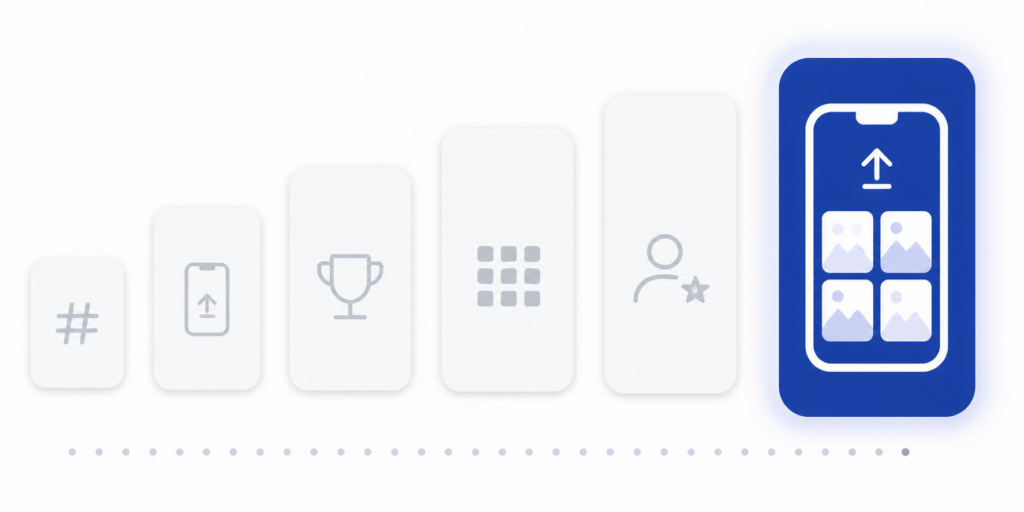
Setting up a UGC workflow that scales
Here’s the workflow that works once you’ve chosen your channels.
Project per campaign, not per submission. Create a dedicated project for each campaign or always-on program. Mix submissions across campaigns and you’ll spend more time sorting than collecting. Project-based intake is the single biggest workflow upgrade most teams underestimate.
One link, two surfaces. A branded URL for digital channels (email, social, website, ambassador kits) and a QR code for any physical or in-person surface. Same destination, different access.
Clear submission requirements at the top. “Landscape orientation works best,” “Show the product in use, not just on a shelf,” “By submitting, you agree to our terms” — written briefly, not buried in a paragraph. Contributors who know the requirements produce better content.
Automated routing, not manual triage. When new submissions arrive, they should appear in a structured view, not as 14 separate emails. Tagging, approval, and Google Drive export should be one or two clicks, not a five-step manual process.
A weekly review cadence. Rather than reacting to each submission individually, batch review once a week. Approve, request changes, or reject in one sitting. This is faster and produces more consistent quality decisions.
Measurement at the campaign level. Submission count, approval rate, channels of acquisition, eventual usage rate (how many submissions actually got used). Track these per campaign so you know which channels are pulling weight.
This is the workflow Picly is built around — projects, branded upload pages, QR codes, automatic organization, and direct Google Drive export when you’re ready to use the assets. The whole point is that the structure carries the load, so the team doesn’t have to.
Measuring whether your UGC program is working
Three numbers matter more than the rest.
Submission rate per campaign. How many people you asked vs. how many submitted. A 5–10% rate is healthy for a clear ask with a low-friction page; below 2% suggests friction in the ask or the page itself.
Approval rate. Of the submissions that came in, how many were usable. A high approval rate (60%+) means your submission requirements were clear; a low rate means the brief needs work.
Usage rate. Of the approved submissions, how many actually appeared somewhere — social post, ad, website, case study, retail. This is the number that connects UGC to business value, and it’s the one most teams don’t track.
If submission rate is low, fix the ask and the upload experience. If approval rate is low, fix the brief. If usage rate is low, fix the routing into your content and ads workflow — there’s no point collecting content nobody can find later.
Frequently Asked Questions
A branded direct-submission page is the single most effective channel for usable assets, because it gives you ownership, clear rights, and structure. Pair it with hashtag campaigns for reach and event collection for in-person moments. Picly.net is a great place to start!
Yes, almost always. Public social posts grant view rights, not commercial use rights. The clean path is a direct submission flow where contributors agree to specific usage terms at upload time.
Require parent or guardian consent at submission. Build the consent step directly into the upload flow rather than handling it manually after the fact.
Yes, a browser-based upload page works on any phone, tablet, or desktop, no app required. This is the highest-converting setup because there’s no install friction.
Use project-based collection: one project per campaign or program, each with its own link and dashboard. Submissions never mix across projects, and you can find any campaign’s contributions in seconds months later.
At minimum: JPEG, PNG, and HEIC/HEIF (the iPhone default, many tools quietly fail on this). Accepting all three covers virtually every modern phone.
Contest-style campaigns work best with a clear deadline (2–4 weeks). Always-on programs (ambassadors, ongoing customer photos) should have no end date but be reviewed quarterly to refresh the brief.
Ready to stop chasing photos? Try Picly free for 30 days — no setup, no apps for your clients, just a clean link they tap to upload.